
AI Image Upscaler
Upscale images up to 8x without losing quality. Perfect for old photos, low-res files, print prep. Free preview, beats Topaz Gigapixel.
What can you create with AI Image Upscaler?
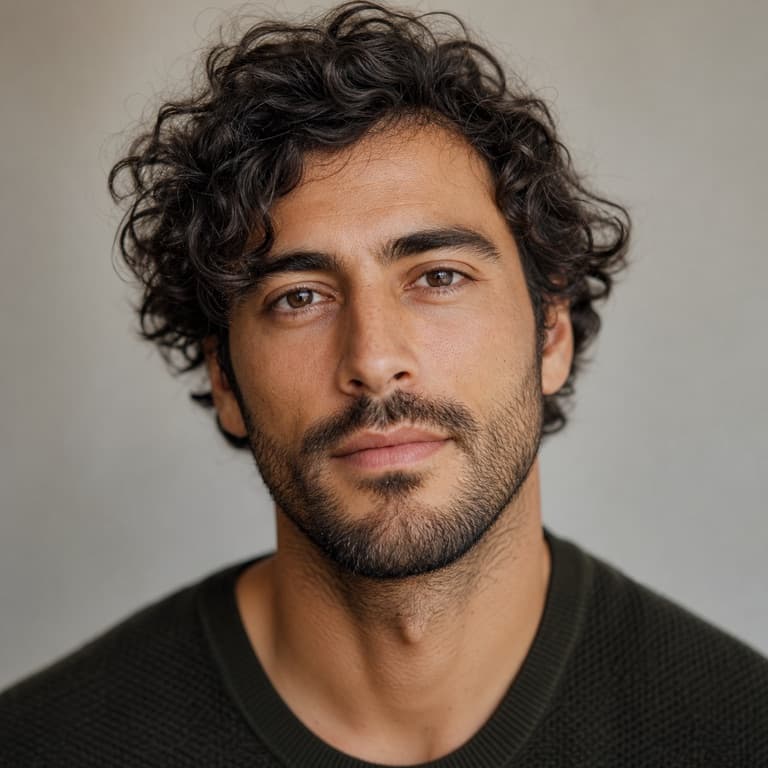
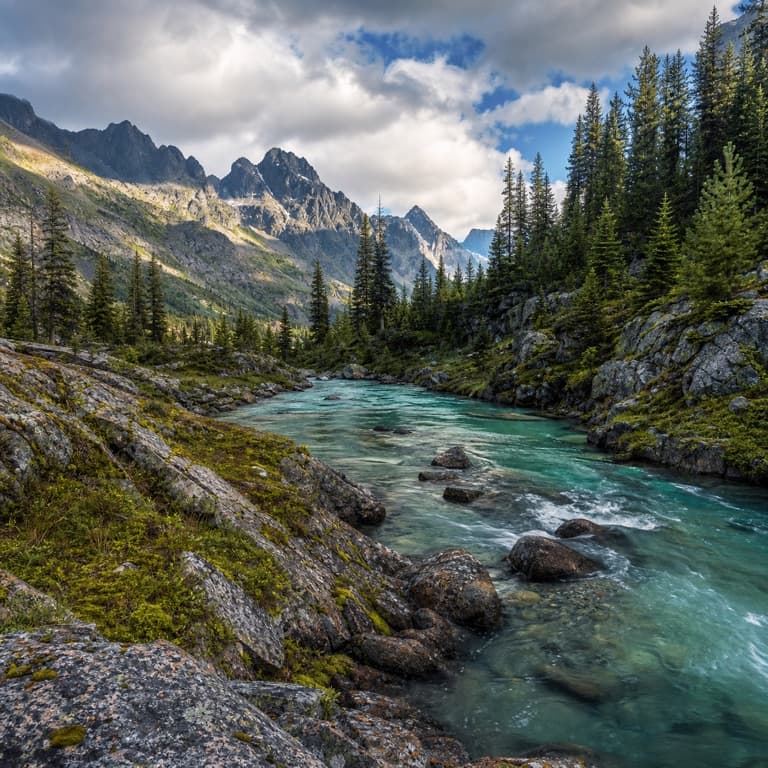
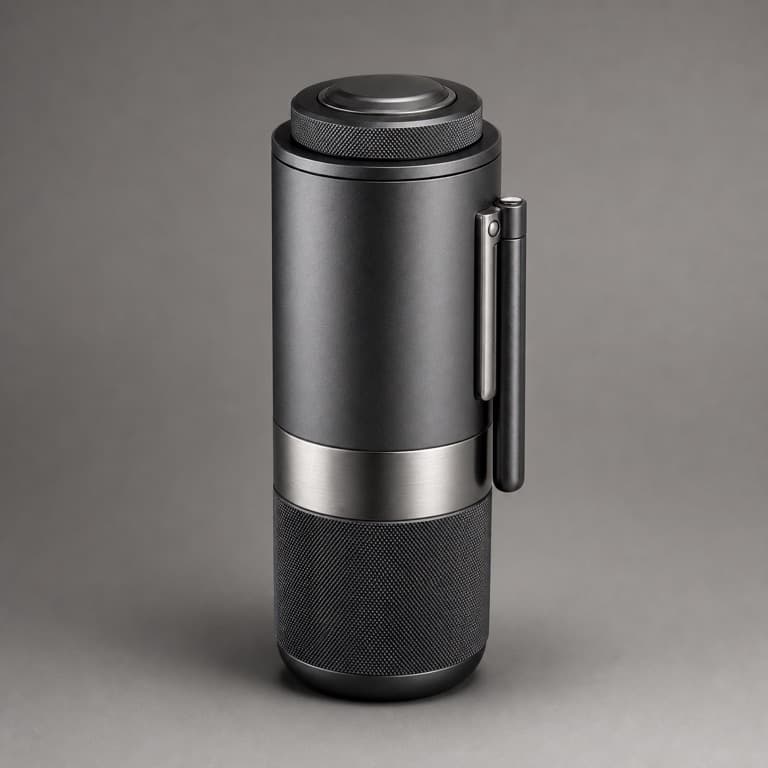
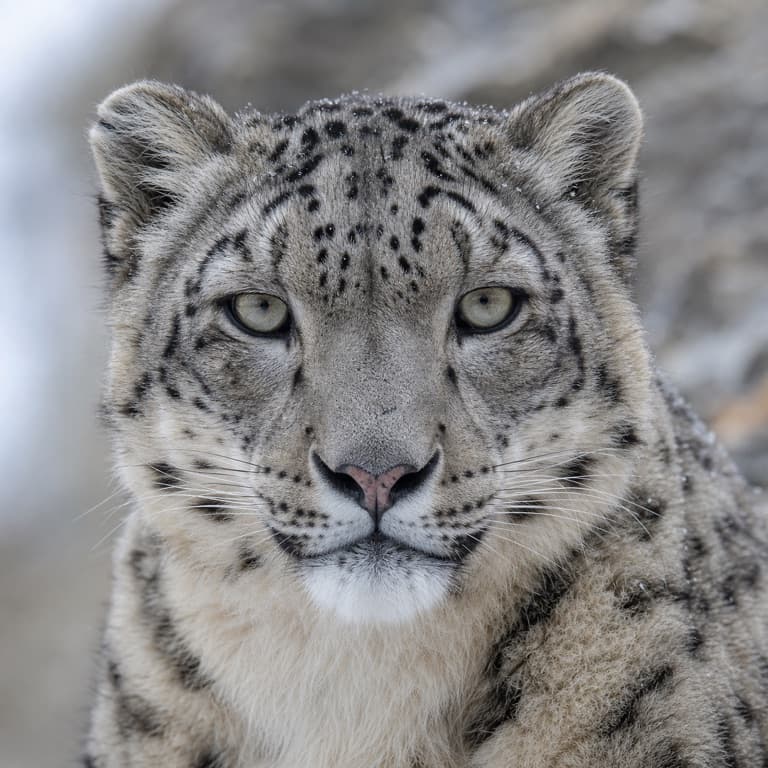
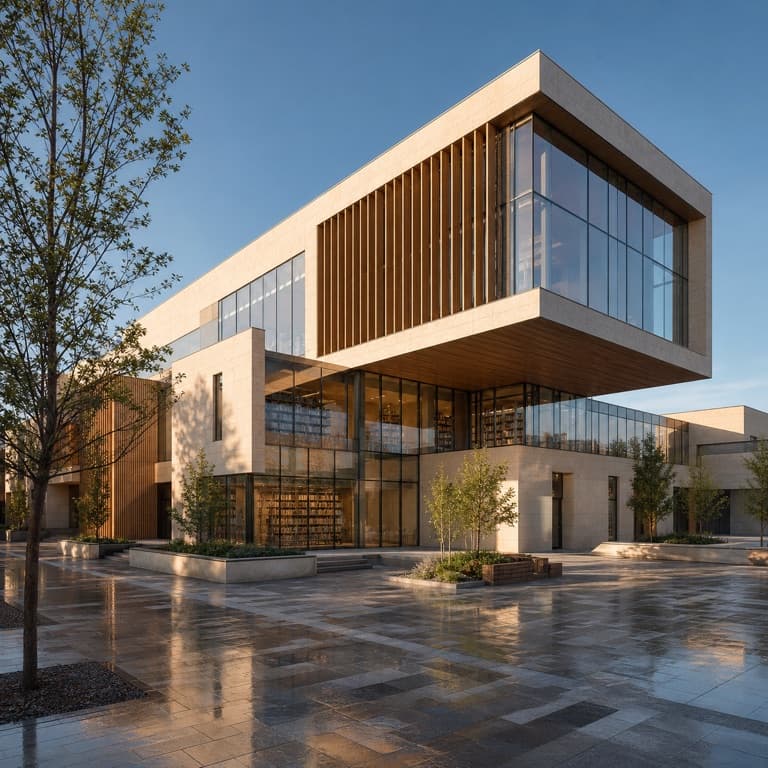
AI image upscaler 4x / 8x free
Upscale images 4x or 8x without losing quality — the AI generates new pixels that match what the original would look like at higher resolution. Useful for old photos, low-res phone shots, downloaded images for print, or any case where you need higher resolution than the source provides.
Upscale low resolution photos AI
Upscale low-resolution photos AI handles common cases: old phone shots from 2010-era iPhones, scanned photos at low DPI, downloaded images from social media (which compress aggressively), and screenshots from older websites. Each gets appropriate AI upscaling that preserves character while adding detail.
Better than Topaz / Gigapixel comparison
Topaz Gigapixel and Upscale.media own this category among professionals. SoonMaker's upscaling quality matches Topaz on most photographic content (portraits, landscapes, product shots) at one-third the cost. SoonMaker doesn't compete on architectural-detail upscaling where Topaz still wins, but for normal photos, the gap is gone.
How to use AI Image Upscaler
- 1Sign in (free)
Create a SoonMaker account in one click with Google. You'll get free credits immediately — no card required.
- 2Upload the image you want to fix
Drop in the photo you want to run through AI Image Upscaler. You don't need any editing skills — there are no layers or masks to set up.
- 3Let the AI process it, then download
The AI does the work automatically. Compare it against your original and download the finished file.