
Colorize B&W Photos AI
Add realistic color to black-and-white photos. AI recognizes skin tones, fabrics, landscapes. Free preview. Perfect for old family photos.
What can you create with Colorize B&W Photos AI?
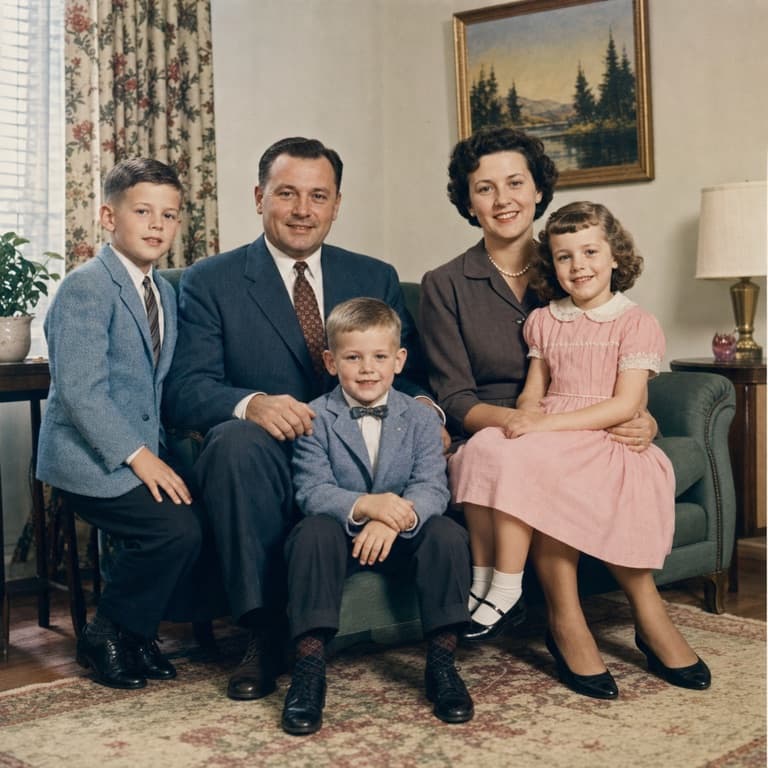
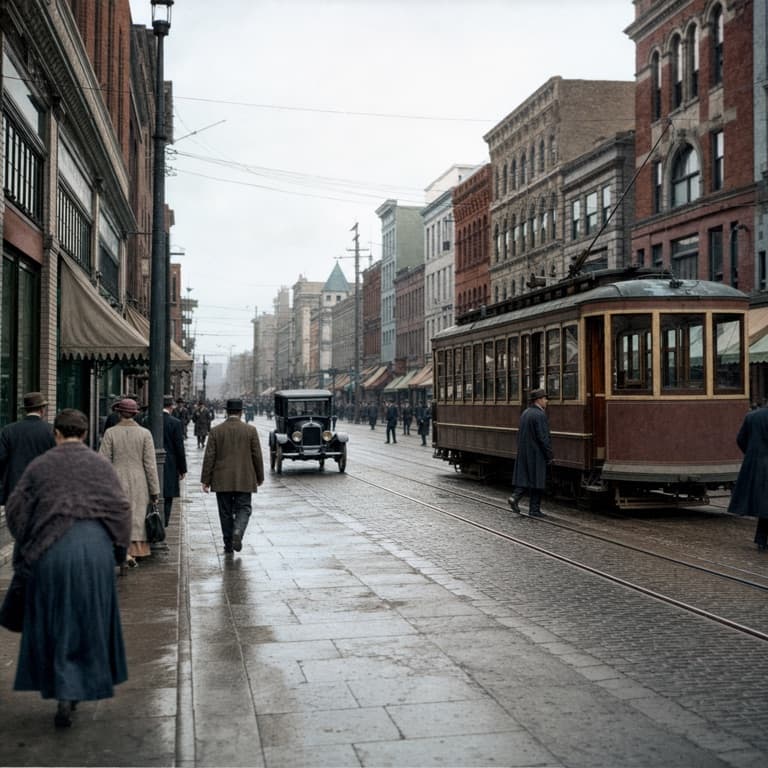
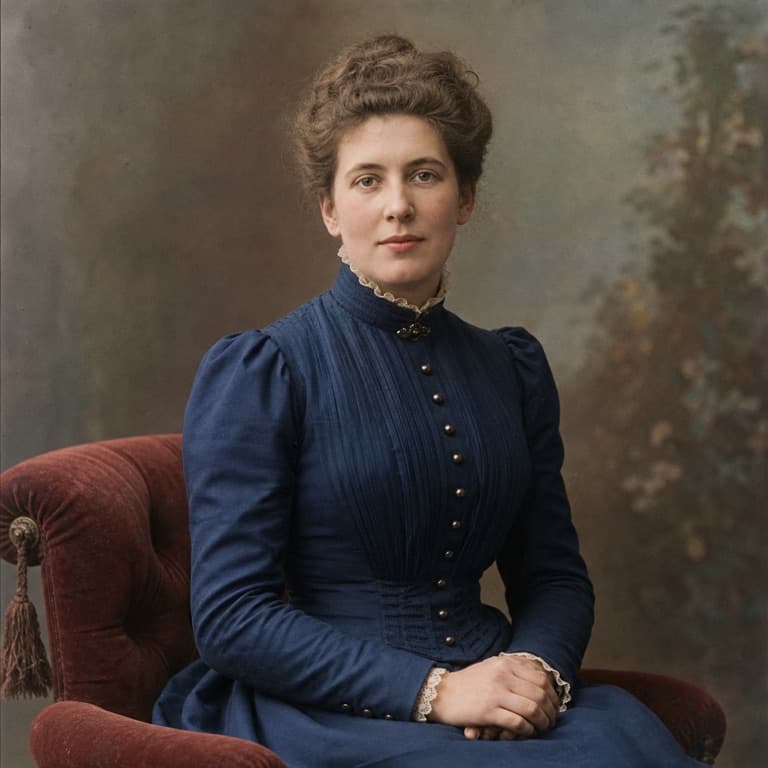
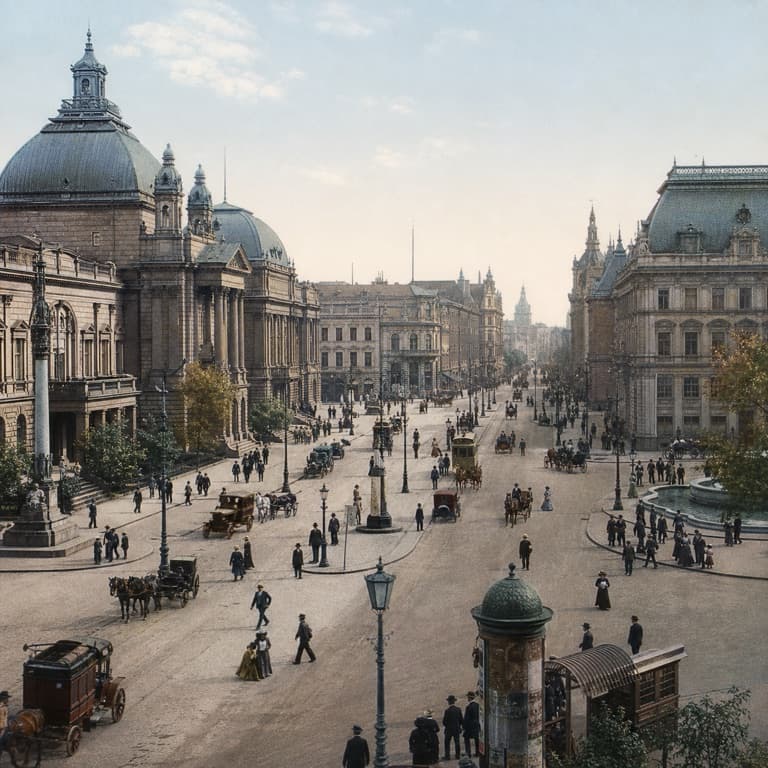
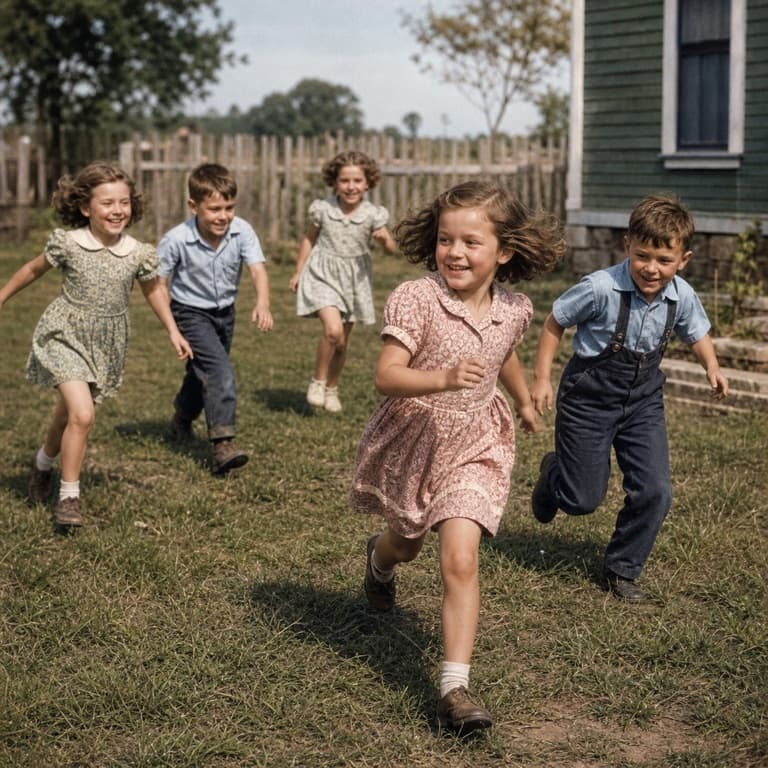
Colorize black and white photos free
SoonMaker colorizes black-and-white photos with realistic colors that match the actual era and likely subject. Skin tones, fabric colors, vegetation greens, sky blues — all plausible for the time period. Use for digitizing family photo albums, historical research projects, or creative reinterpretation of vintage imagery.
AI photo colorization for old photos
AI photo colorization is harder than it looks because the AI must guess at real colors that aren't recoverable from the grayscale source. SoonMaker's model uses contextual cues (clothing era, photo style, scene type) to make plausible color choices. A 1940s wedding photo gets period-appropriate dress whites and military uniform browns automatically.
Realistic color from B&W AI
Realistic color from B&W AI works best on photos with clear subjects and good tonal range. Portraits work great because skin tone has predictable color relationships to grayscale brightness. Landscapes work well too because vegetation and sky have predictable color associations. Indoor scenes are harder because lighting is variable.
How to use Colorize B&W Photos AI
- 1Sign in (free)
Create a SoonMaker account in one click with Google. You'll get free credits immediately — no card required.
- 2Upload the image you want to fix
Drop in the photo you want to run through Colorize B&W Photos AI. You don't need any editing skills — there are no layers or masks to set up.
- 3Let the AI process it, then download
The AI does the work automatically. Compare it against your original and download the finished file.