
AI Image Enhancer
One-click photo enhancement: sharpen blurry photos, remove noise, upscale 4x. AI quality. Free preview, no sign up needed.
What can you create with AI Image Enhancer?
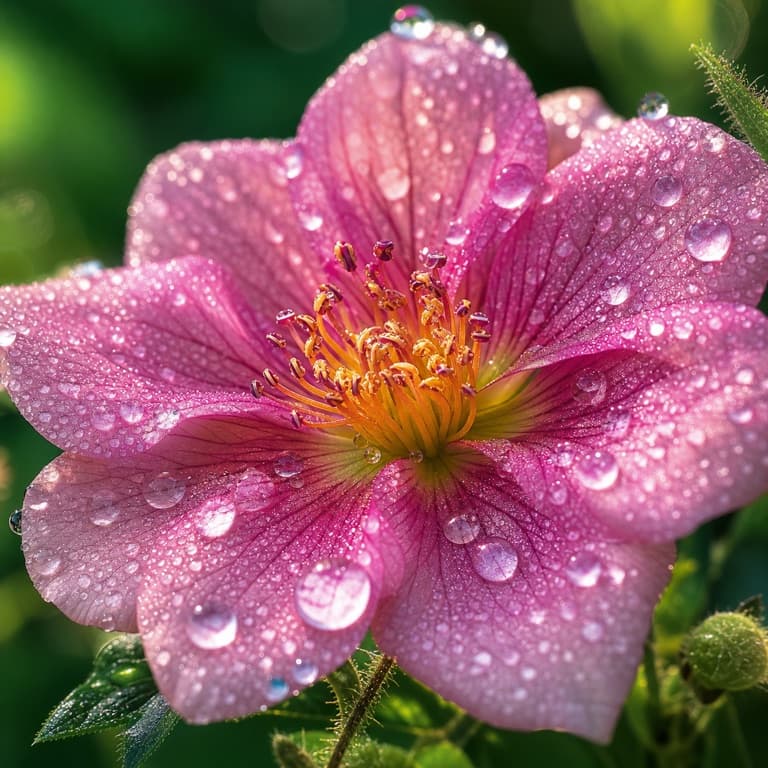
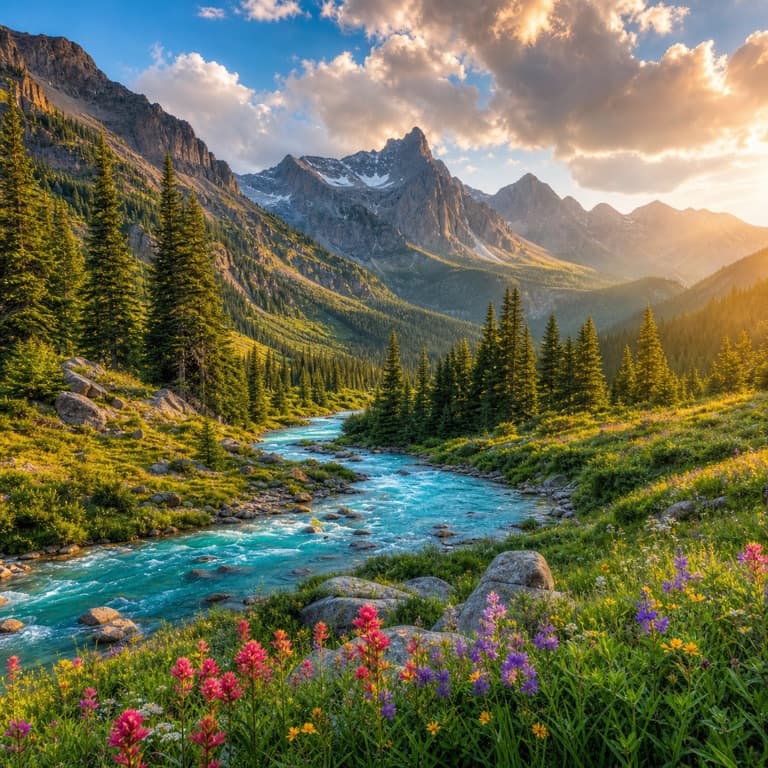
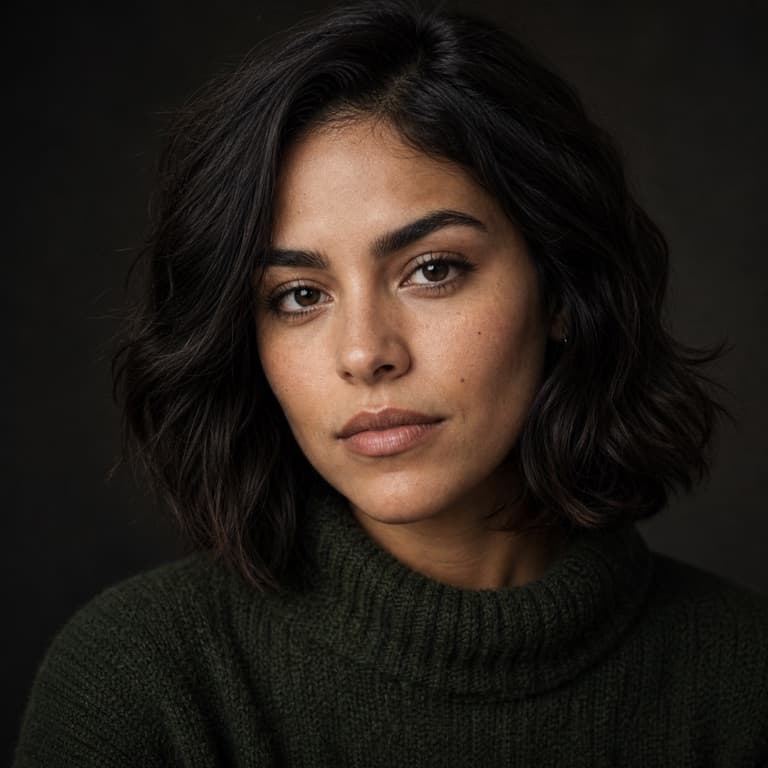
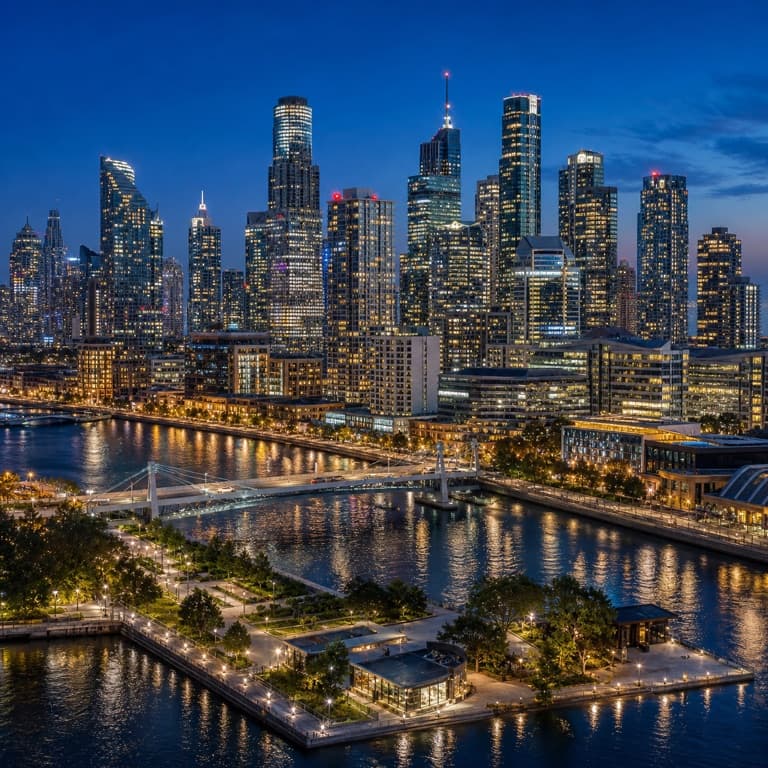
AI image enhancer online free
One-click photo enhancement: AI sharpens blurry photos, removes JPEG compression noise, fixes underexposed shots, and brings detail back from low-quality scans. Useful for old phone photos, social media downloads (which compress aggressively), or anytime an image needs to look sharper than the source allows.
Sharpen blurry photos AI
Sharpen blurry photos AI works on motion blur (camera shake), focus blur (subject out of focus), and downsampling blur (image was already small). Each blur type requires a different AI approach. SoonMaker applies the right correction for the actual blur source rather than naive uniform sharpening that creates halos and noise.
Image quality enhancer AI
Image quality enhancer combines sharpening, noise reduction, and detail recovery in one pass. The AI distinguishes between detail (preserve and sharpen) and noise (remove and smooth) automatically. Output looks sharper than the source without the over-sharpened halo artifacts that ruin amateur sharpening attempts.
How to use AI Image Enhancer
- 1Sign in (free)
Create a SoonMaker account in one click with Google. You'll get free credits immediately — no card required.
- 2Upload the image you want to fix
Drop in the photo you want to run through AI Image Enhancer. You don't need any editing skills — there are no layers or masks to set up.
- 3Let the AI process it, then download
The AI does the work automatically. Compare it against your original and download the finished file.